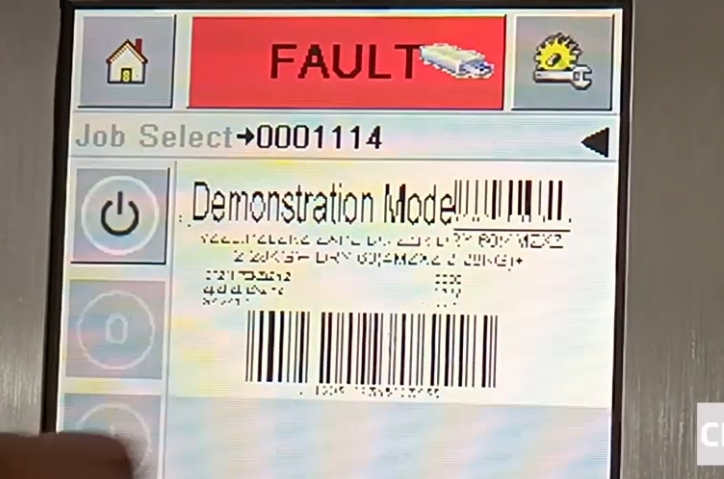
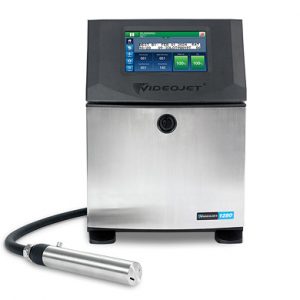
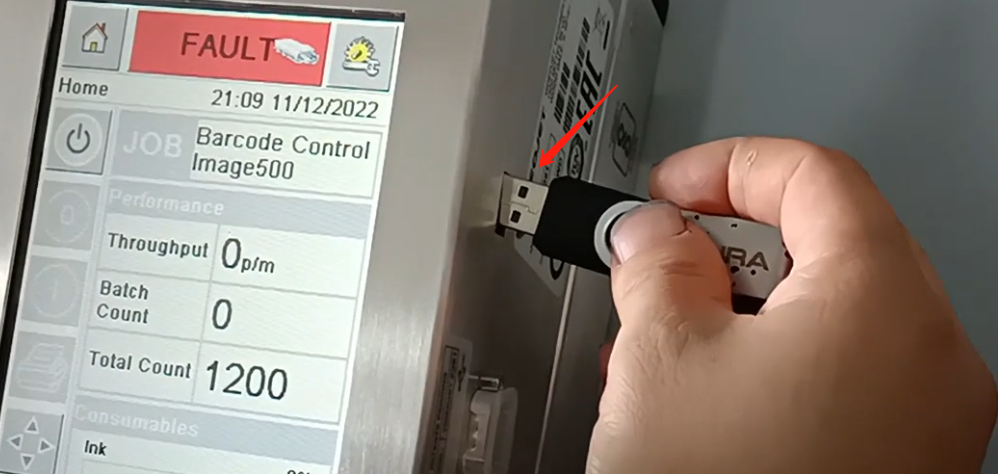
After the information is imported into the U disk, it is inserted into the machine.
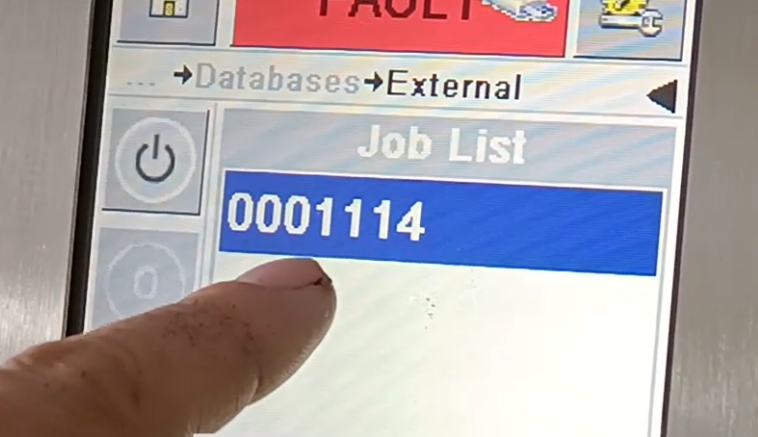
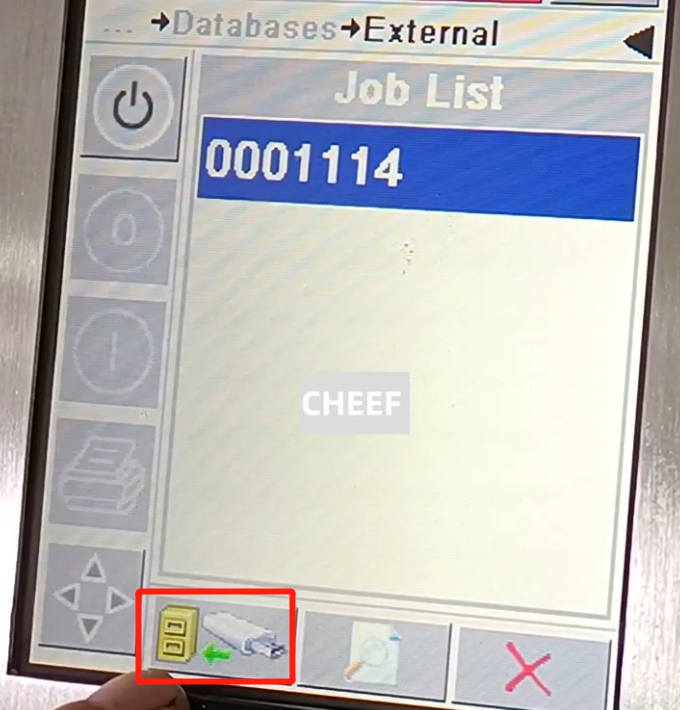
Click Settings, click the data, click the external, select the required information, click this information.
Click the lower left corner icon, click “yes” transmission, click “OK”, the transmission is finished.
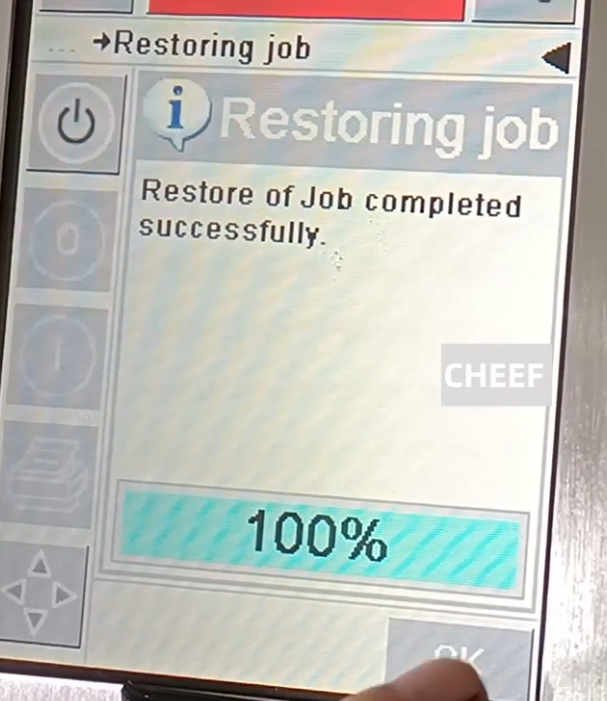
Click Settings, return to the main interface, click this message, and then click “OK”.
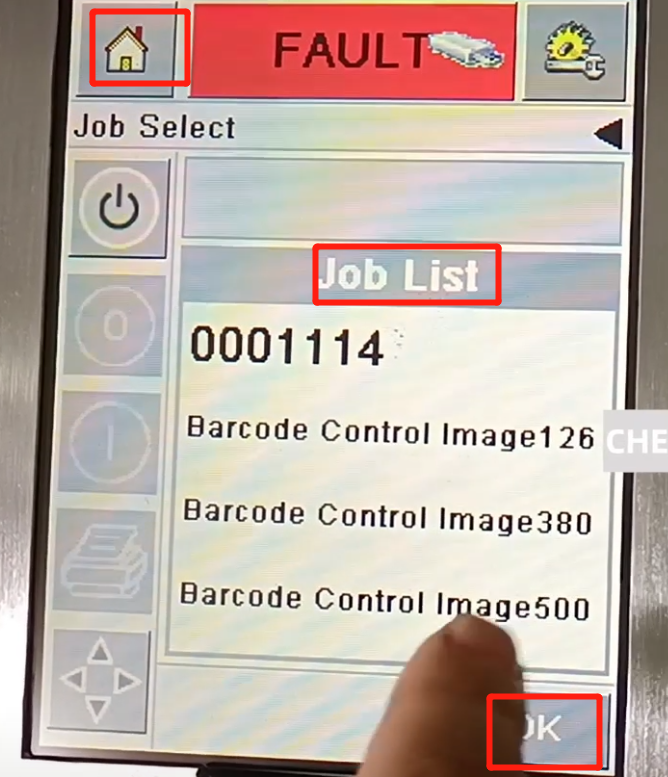
This message is complete, click this message, click “OK”, back to the home page can be printed.