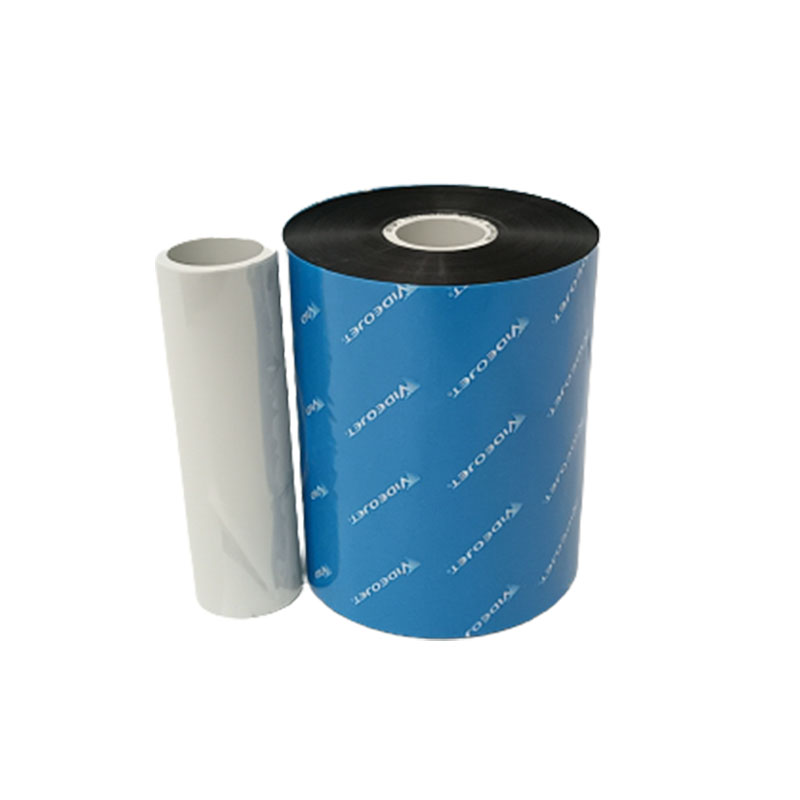
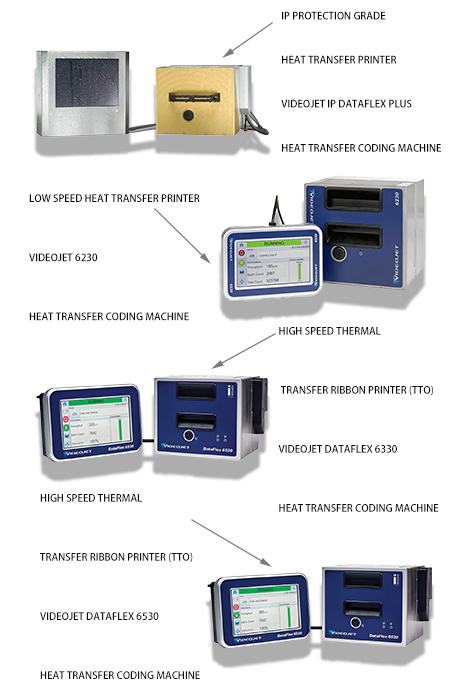
Cheef, a leading supplier of industrial printing and marking solutions, offers a variety of TTO coding machines from top brands, such as Videojet. Our Videojet TTO coding machines come in different models and configurations to meet various coding and marking needs. We also provide consumables and accessories, including ribbons, printheads, and other spare parts, to ensure the smooth operation of our machines.
At Cheef, we pride ourselves on providing affordable pricing, reliable technical support, and high-quality after-sales service. We understand that our clients value quality, but also seek lower-priced products. That is why we work hard to minimize any issues with product quality and provide comprehensive, reliable printing solutions to prioritize our clients’ satisfaction.
If you have any questions or needs regarding our Videojet TTO coding machines or other products and services, please feel free to contact us. Our team of experts is always ready to assist you in finding the best solution for your business.
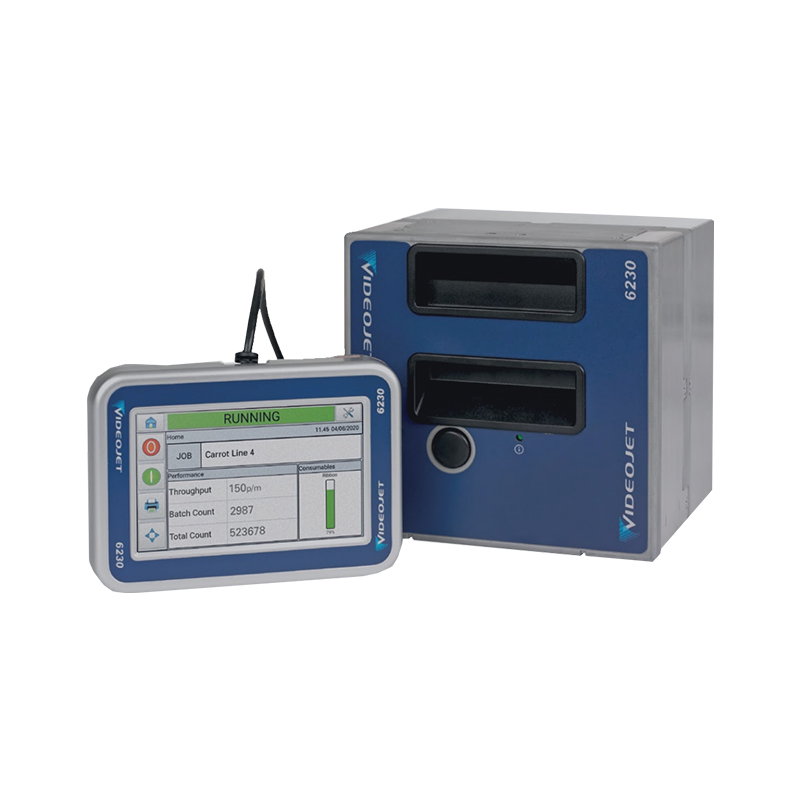
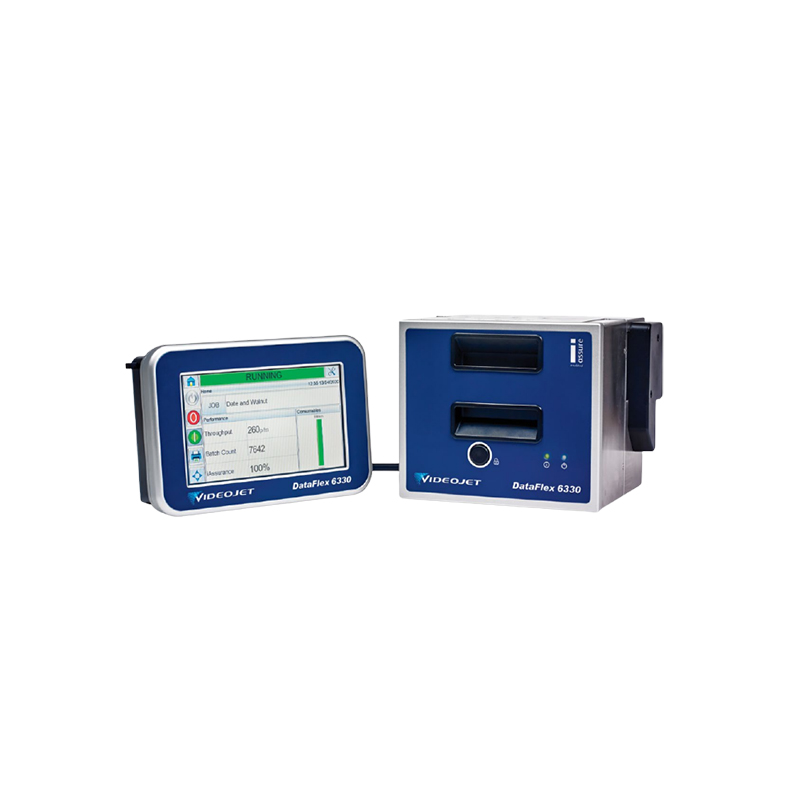
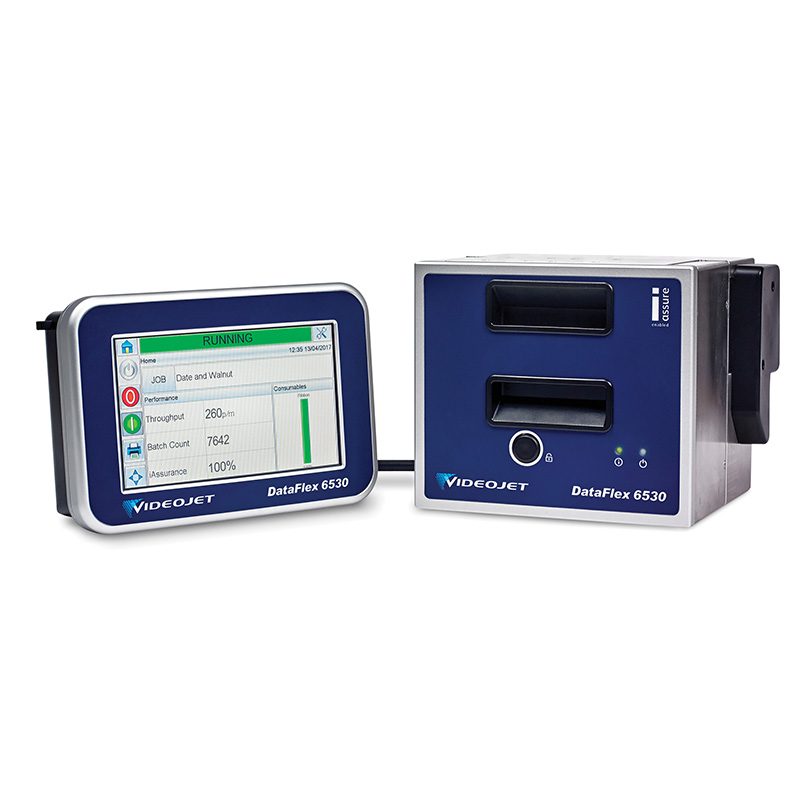
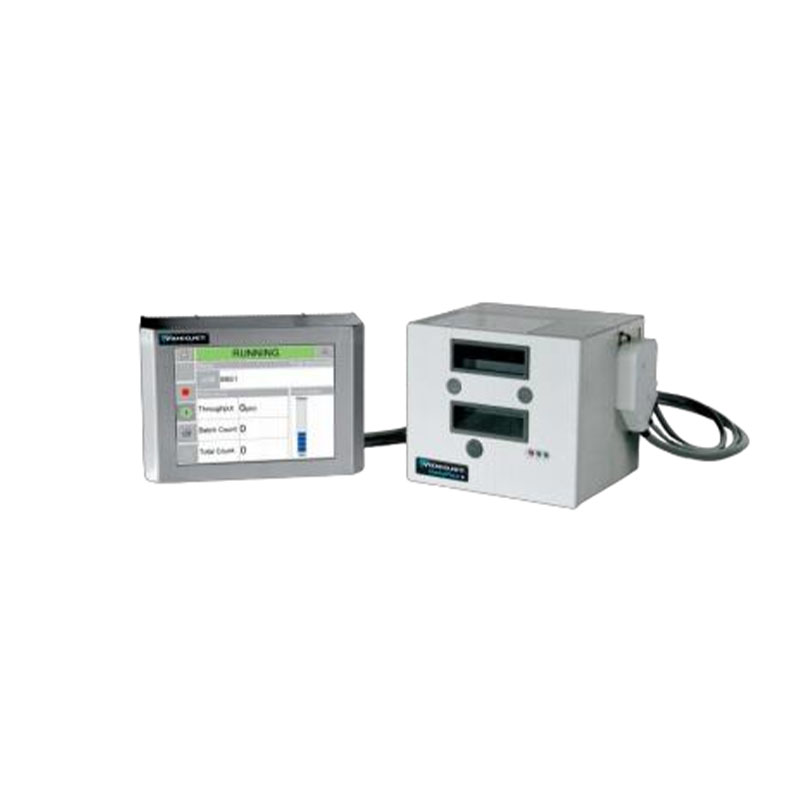
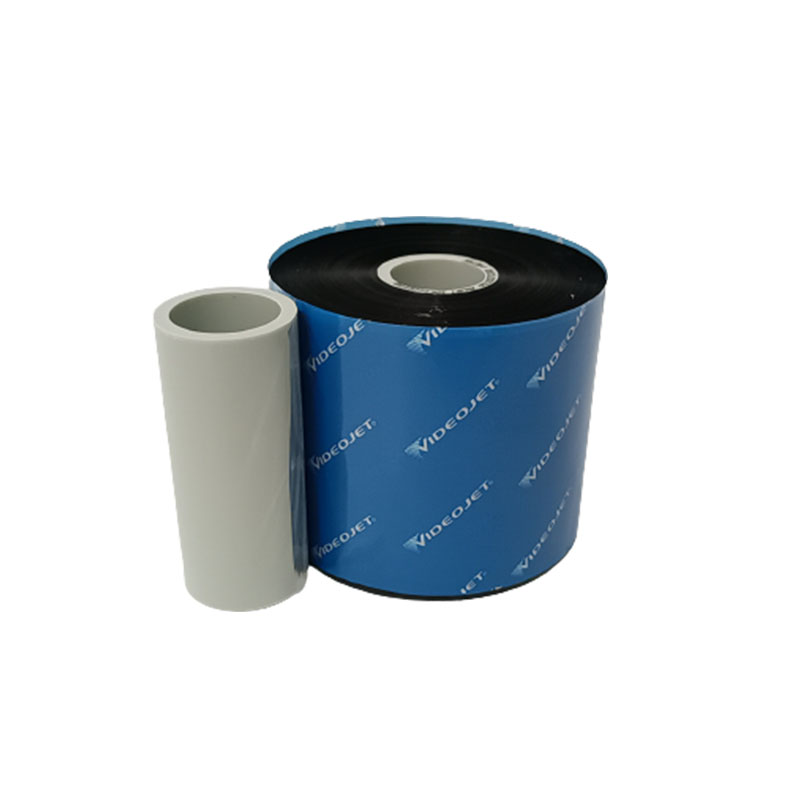
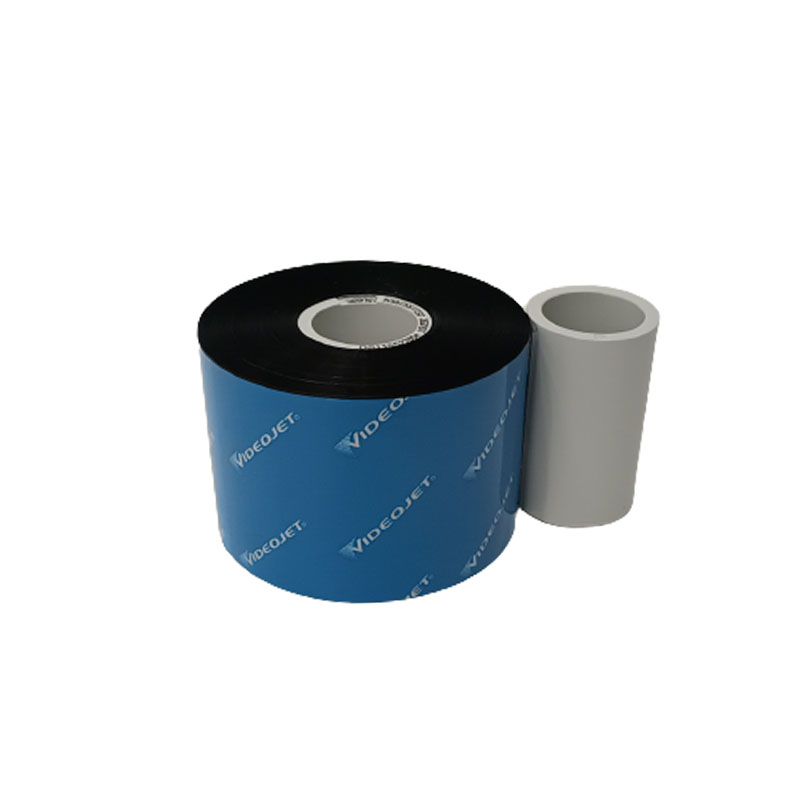
What are the Thermal Transfer Overprinters?
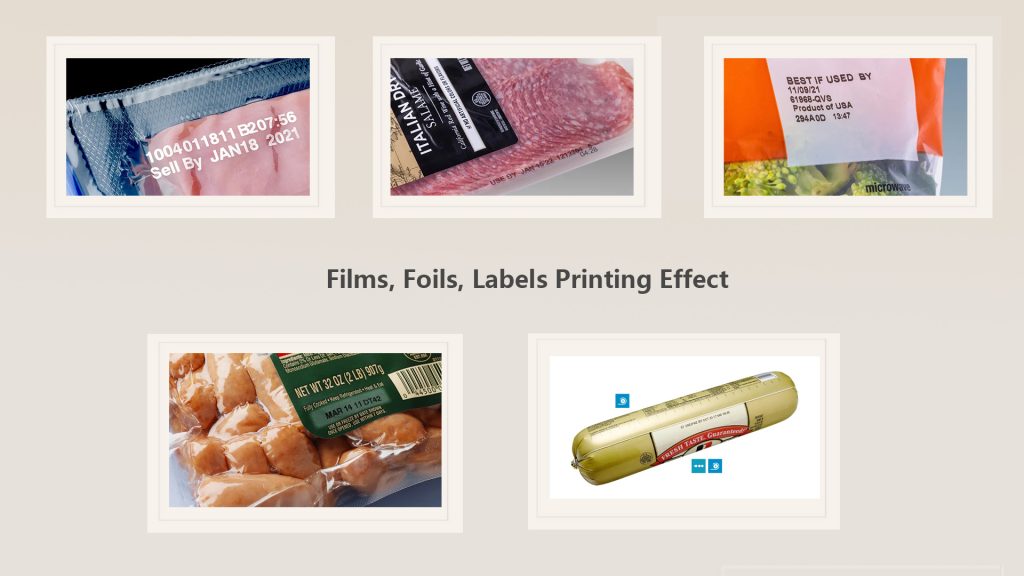
TTO coding machine is a type of thermal transfer printing equipment used for coding and marking applications in various industries, including food, pharmaceutical, cosmetic, and beverage packaging. It uses thermal transfer technology to transfer ink from a ribbon onto a substrate, such as films, labels, and packaging materials. The heat from the printing head melts the ink on the ribbon, which then transfers the ink onto the substrate.
One of the key advantages of TTO coding machines is their high printing quality and precision. They can print clear and durable identification codes, including text, logos, and barcodes, with a high degree of accuracy and consistency. TTO coding machines are also known for their speed and efficiency, making them suitable for high-volume production lines.

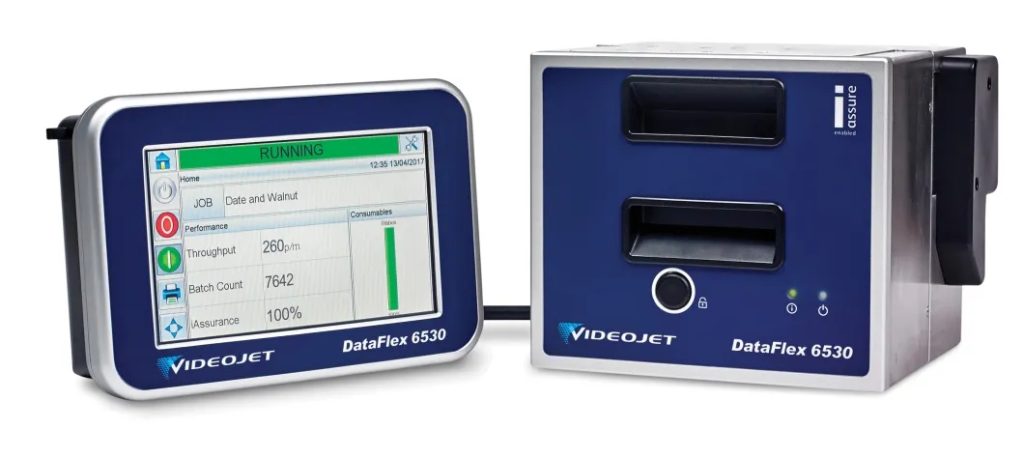
What is the working principle of a thermal Transfer printer(TTO)?
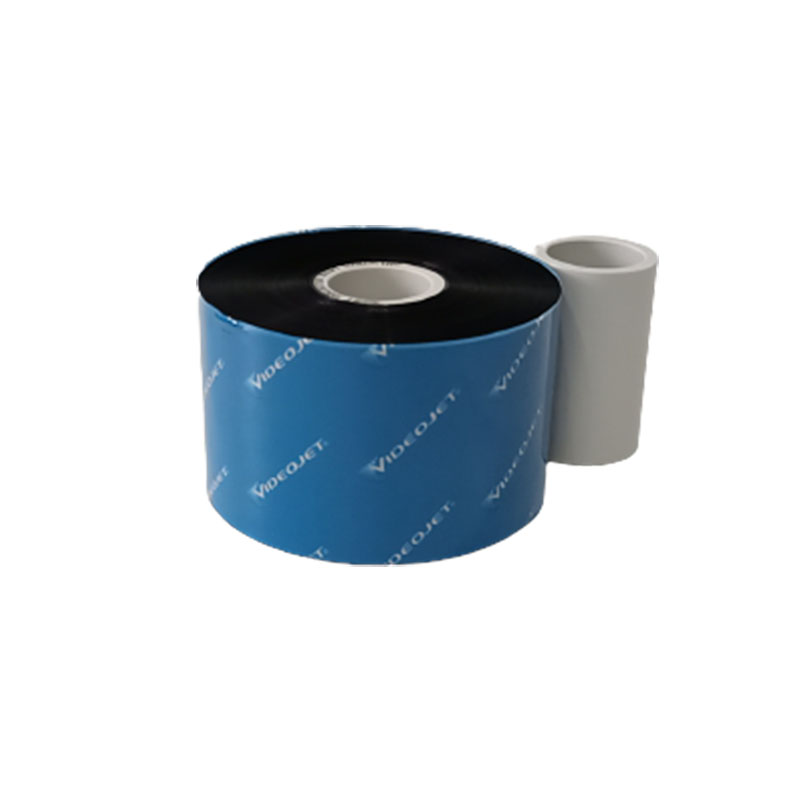
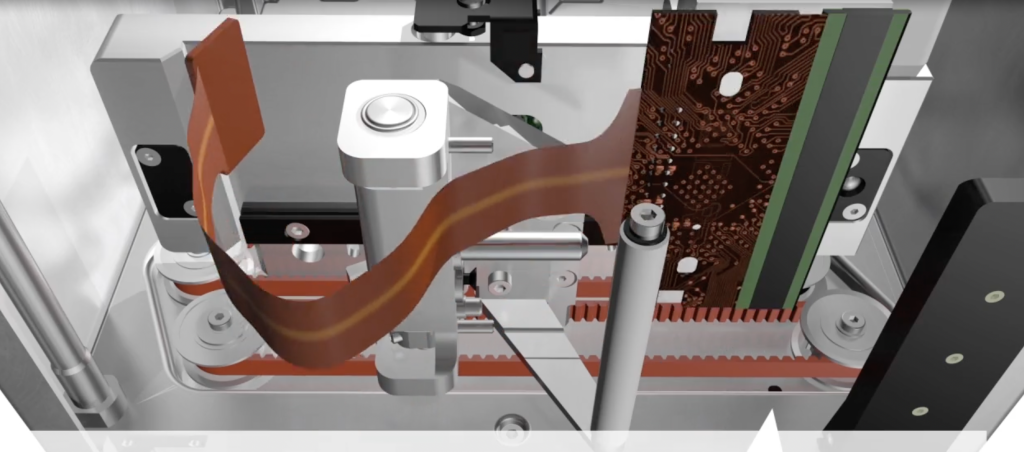
TTO coding machine uses thermal transfer technology to transfer ink from a ribbon onto a substrate, such as films, labels, and packaging materials. The ribbon is made of a thin film coated with a layer of ink on one side. The ink is melted onto the substrate through the application of heat from the printing head.
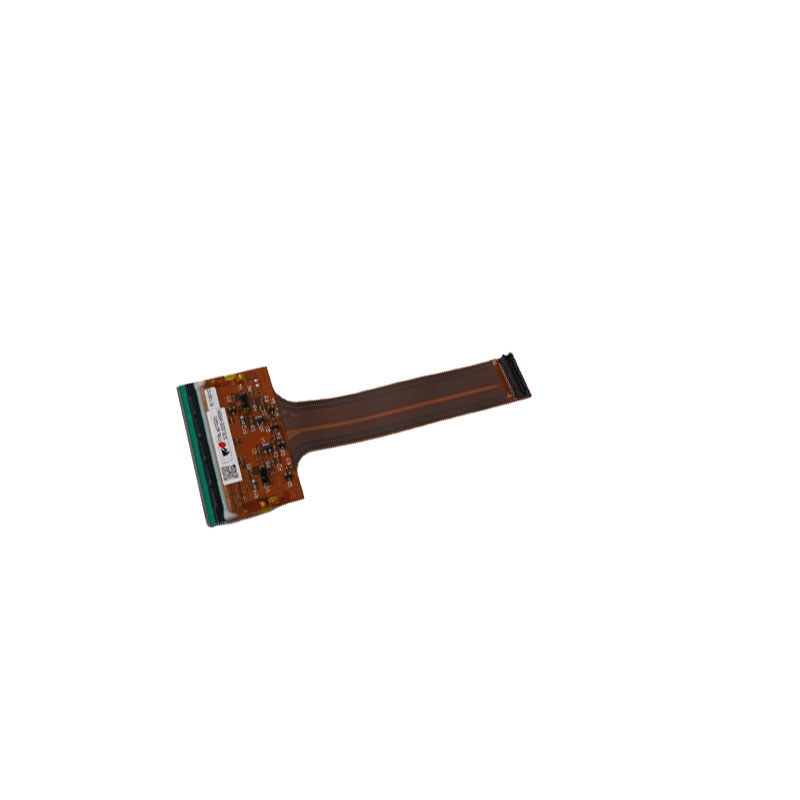
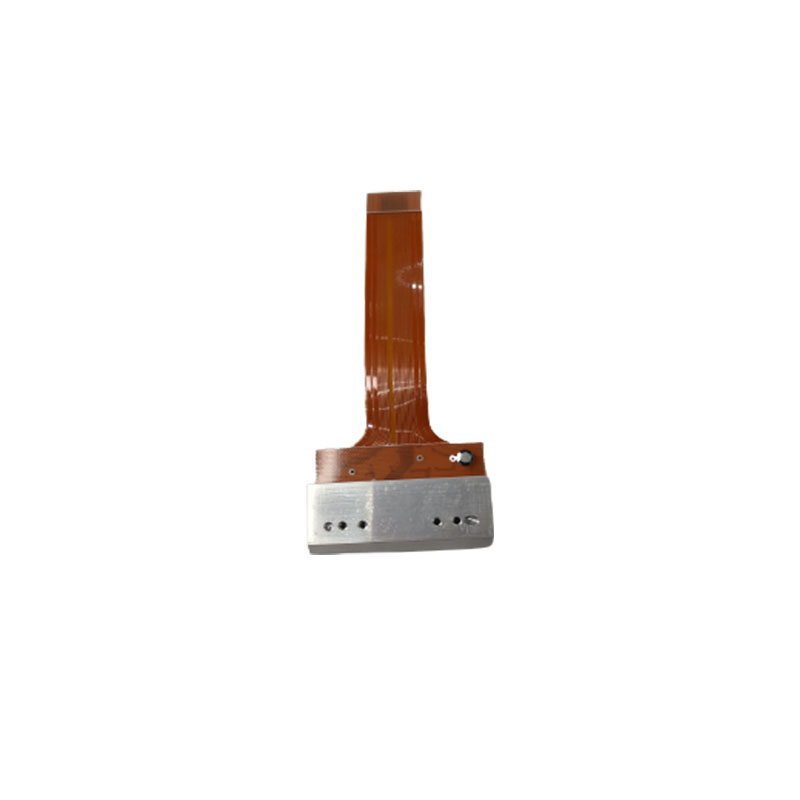
The printing head of TTO coding machine is made up of a series of heating elements that are arranged in a row. When activated, the heating elements generate heat and melt the ink on the ribbon. As the substrate passes beneath the printing head, the ink is transferred onto the substrate, forming characters, symbols, or barcodes.
To ensure accurate and consistent printing, TTO coding machines use sensors to monitor the position of the substrate and adjust the printing head accordingly. The sensors detect the presence of the substrate and provide feedback to the control system, which adjusts the printing head’s position and timing to ensure accurate and precise printing.
One of the key advantages of TTO coding machines is their ability to print high-quality and durable markings on various substrates. The printing quality is dependent on the quality of the ribbon and the printer’s settings, such as the temperature and speed of the printing process.
In summary, TTO coding machine uses thermal transfer technology to transfer ink from a ribbon onto a substrate, utilizing a printing head that is composed of heating elements to melt the ink. The substrate is precisely positioned by sensors to ensure accurate and consistent printing. TTO coding machines are widely used in various industries, including food, pharmaceuticals, cosmetics, and beverage packaging, due to their high-quality printing, speed, and efficiency.
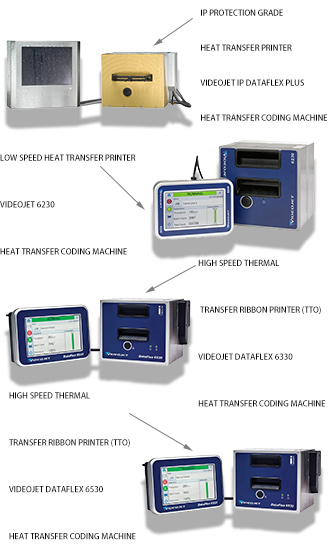
What are the uses of the TTO machines?
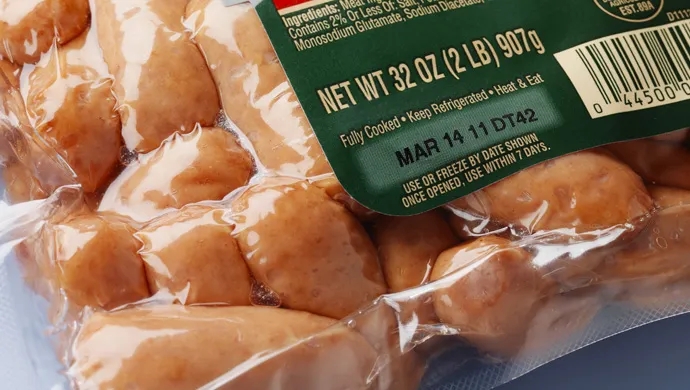
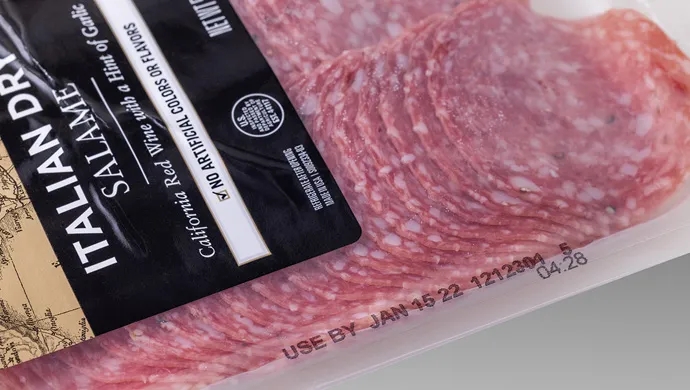
Thermal Transfer Overprinting (TTO) printers are commonly used in the packaging and labeling industries for printing on flexible packaging materials such as bags, pouches, and labels. They are designed for high-resolution printing on a wide range of substrates, including plastic films, foil, and coated paper. TTO printers are often used for printing barcodes, date codes, expiration dates, and other variable data on packaging materials.
TTO printers are ideal for applications that require high-quality, detailed printing, such as on pharmaceutical packaging or snack food packaging. They offer high-resolution printing with excellent print quality and readability and can produce clear and precise codes and patterns even on small packaging materials. TTO printers also offer fast printing speeds, making them suitable for high-volume production environments.
In addition to packaging and labeling applications, TTO printers can also be used in other industries such as automotive, electronics, and textiles, where high-quality, high-resolution printing is required on a variety of substrates.
Here are some of the advantages and disadvantages of TTO (Thermal Transfer Overprinter) coding machine:
Advantages:
Disadvantages:
In summary, TTO coding machines offer high-quality, versatile, cost-effective, and environmentally friendly printing, making them suitable for various applications in different industries. However, they have limitations, such as a limited printing area, regular maintenance requirements, ribbon compatibility, and temperature sensitivity.
Thermal transfer overprinters (TTO) are used for printing variable information on flexible packaging materials such as labels, pouches, and bags. TTO printers use a thermal transfer ribbon to transfer ink onto the material. Some of the common accessories of TTO inkjet printers are:
Ribbon saver:
A ribbon saver is an accessory that helps reduce the amount of ribbon used during printing, thereby reducing waste and cost.
Encoder:
Rewinder:
Unwinder:
An unwinder is used to supply the material being printed, allowing for continuous printing without the need to reload the material.
Print head cleaner:
A print head cleaner is an accessory that helps clean the print head to prevent ink buildup and ensure that the printer is functioning properly.
Ethernet interface:
External alarm:
An external alarm is an accessory that alerts the operator when the printer is out of ribbon, or when there is a fault or error during printing.
Barcode scanner:
A barcode scanner is an accessory that can be used to scan barcodes on the product being printed, ensuring that the correct information is being printed on the correct product.
These accessories can improve the efficiency and performance of TTO inkjet printers, as well as provide additional functionality and flexibility for various printing applications.
Cheef said:” Are you ready to take your TTO inkjet machine to the next level? Look no further than our TTO inkjet machine accessories show! In this video, we’re featuring a wide range of accessories that will help you get the most out of your machine. From spare parts to specialized ink and ribbon, we’ve got everything you need to keep your TTO machine running smoothly and producing high-quality prints. But we’re not just about functionality – we’ve added some humor and entertainment to make learning about accessories fun and enjoyable. So what are you waiting for? Check out our TTO inkjet machine accessories show and don’t forget to subscribe to our YouTube channel for more ink-spiring content!”
Thermal transfer overprinters (TTO) are used for printing variable information on flexible packaging materials such as labels, pouches, and bags. TTO printers use a thermal transfer ribbon to transfer ink onto the material. However, like any piece of equipment, TTO printers can experience failures. Here are some of the common failures of TTO printers:
Ribbon breakage:
The thermal transfer ribbon used in TTO printers can break or tear, causing interruptions in printing and potentially damaging the print head.
Poor print quality:
TTO printers can experience poor print quality due to issues with the print head, ribbon tension, or ink transfer. This can result in unclear or incomplete printing, which can be problematic for traceability and identification.
Ribbon wrinkles:
Wrinkles in the thermal transfer ribbon can cause distortions in the printed image, resulting in poor print quality or even unreadable codes.
Print head damage:
The print head of TTO printers can become damaged due to debris or ribbon residue buildup, causing malfunctions or poor print quality.
Electrical issues:
TTO printers use electrical components to function, such as sensors, motors, and control boards. These components can malfunction due to electrical surges, power fluctuations, or wear and tear.
Ribbon jamming:
The thermal transfer ribbon can become jammed in the printer, causing the printer to stop functioning and potentially causing damage to the ribbon and print head.
Software malfunctions:
The software used to control TTO printers can experience malfunctions or errors, leading to issues with printing accuracy and performance.
To prevent these failures, it is important to follow the manufacturer’s recommendations for proper maintenance and ribbon usage, keep the printer clean, and use quality ribbons and materials. Regular maintenance and cleaning can help prevent debris buildup and reduce the risk of print head damage, while using quality ribbons can help ensure consistent ink transfer and prevent ribbon breakage and wrinkling.
When using a thermal transfer overprinter (TTO) for printing variable information on flexible packaging materials such as labels, pouches, and bags, there are some important things to keep in mind to ensure optimal performance and longevity of the printer. Here are some considerations when using a TTO printer:
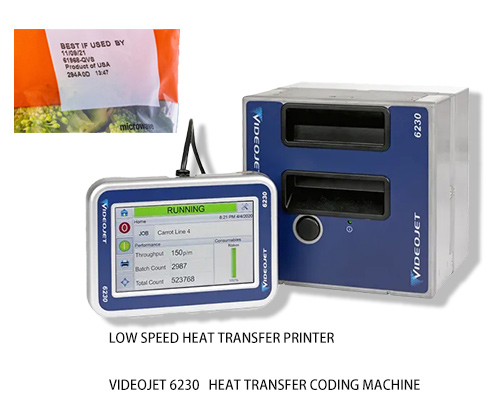
3. Print head cleaning: The print head should be cleaned regularly to prevent ink buildup and ensure optimal performance. Use a soft cloth or special cleaning swabs and follow the manufacturer’s recommendations for cleaning frequency and procedures.
4. Label placement: The position of the label on the product can affect the print quality and consistency. Ensure that the label is correctly positioned and that there is enough space between the label and any nearby heat sources or objects.
5. Operating environment: The temperature, humidity, and cleanliness of the operating environment can affect the performance of the printer. Keep the printer in a clean and controlled environment, away from direct sunlight, extreme temperatures, and moisture.
6. Regular maintenance: Regular maintenance, such as cleaning and replacing parts as needed, can help extend the life of the printer and prevent costly breakdowns.
7. Operator training: Ensure that operators are properly trained on the use and maintenance of the printer to prevent mistakes and optimize performance.
By paying attention to these factors, TTO printer users can ensure optimal performance, minimize downtime, and extend the life of their equipment.
6. Cost: Consider the cost of the TTO machine, as well as the cost of consumables such as ribbons and parts. Choose a machine that fits within your budget and that offers a good return on investment.
7. Technical support: Look for a TTO machine supplier that offers technical support and service, including troubleshooting, repairs, and maintenance.
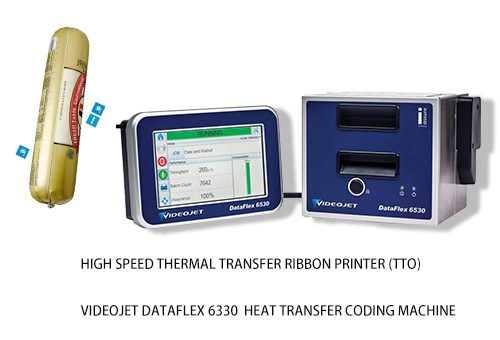
By considering these factors when choosing a TTO machine, you can ensure that you select the best machine for your specific needs, with the performance, reliability, and cost-effectiveness that you require.
The lifespan of the printhead of a TTO (Thermal Transfer Overprinter) printer can vary depending on several factors such as printer model, print speed, operating conditions, maintenance, and the type of ribbon being used. However, as a general guideline, the typical lifespan of a TTO printhead is around 50 million printed characters.

The lifespan of the printhead can be affected by factors such as the quality of the ribbon, the ambient temperature and humidity, and the frequency of printhead cleaning. Using high-quality ribbons that are compatible with the printer and ensuring that the printhead is properly cleaned and maintained can help to extend the lifespan of the printhead.
It is important to regularly monitor the condition of the printhead and replace it as needed to ensure consistent and reliable print quality. Signs that a printhead may need to be replaced include poor print quality, streaks or gaps in the printed image, or repeated printhead cleaning without improvement in print quality.
The lifespan of a roll of ribbon for a TTO (Thermal Transfer Overprinter) printer can vary depending on several factors such as the printer model, print speed, print density, and ribbon width. However, as a general guideline, a roll of ribbon for a TTO printer can typically print several thousand labels before it needs to be replaced.
To calculate the consumption of ribbon, it is necessary to know the specific printer model, ribbon width, and print density settings. The printer’s user manual may provide a guideline for estimating the expected yield of a ribbon based on specific printing parameters.
As an example, let’s say that a TTO printer has a ribbon width of 110mm and a print density of 300dpi. The printer’s user manual may indicate that a 450m roll of ribbon is expected to yield approximately 6,500 labels. To calculate the consumption of ribbon per label, we can use the following formula:
Ribbon consumption per label = (Ribbon length per roll / Expected label yield per roll) * Ribbon width
Using the example values above, we can calculate the ribbon consumption per label as follows:
Ribbon consumption per label = (450m / 6,500 labels) * 110mm = 7.59cm per label
This means that approximately 7.59cm of ribbon will be consumed per label printed with this printer configuration. It is important to note that the actual ribbon consumption may vary depending on the specific printing parameters and the type of label being printed. Regular monitoring of ribbon consumption and replacement as needed can help to ensure consistent and reliable print quality.
When purchasing a Thermal Transfer Overprinter (TTO) printer, it is important to provide the supplier with accurate information about your specific printing requirements. Here are some of the key pieces of information you should provide to the supplier:
1. Substrate material: Provide information about the material you will be printing on, including the type, size, and surface characteristics.
2. Print area: Specify the required print area for your application, as this can affect the size and cost of the printer.
3. Print resolution: Specify the required print resolution for your application, as this can affect the print quality and the cost of the printer.
4. Ink type: Provide information about the type of ink ribbon required for your application, such as wax, resin, or a combination of both.
5. Ribbon width: Specify the required ribbon width for your application, as this can affect the size and cost of the printer.
6. Printing speed: Specify the required printing speed for your application, as this can affect the printer’s cost and capabilities.
7. Connectivity requirements: Indicate any specific connectivity requirements you have, such as USB, Ethernet, or wireless connectivity.
8. Software requirements: Provide information about any specific software requirements you have for the printer, such as a particular operating system or printer driver.
9. Maintenance requirements: Specify any specific maintenance requirements you have, such as regular cleaning or replacement of parts.
10. Integration requirements: If you plan to integrate the TTO printer into an automated printing system, provide information about the integration requirements.
By providing accurate and detailed information about your printing requirements, you can help the supplier recommend the right TTO printer for your needs and ensure that the printer provides reliable performance and meets your expectations.
Here are some factors to consider when purchasing a coding and marking machine:
Send us a message if you have any questions or request a quote. Our experts will give you a reply within 24 hours and help you select the right machine you want.
We provide coding machines, consumables, spare parts, laser printers, TTO printers, and so on. Also, we provide the maintenance service, our engineers with more than 2o years experience. We are finding partners all over the world. Contact us now to start the first Step. We will get win and win.
© 2025 All Rights Reserved
We will contact you within 1 working day, please pay attention to the email with the suffix “sales@cheef.cn”.