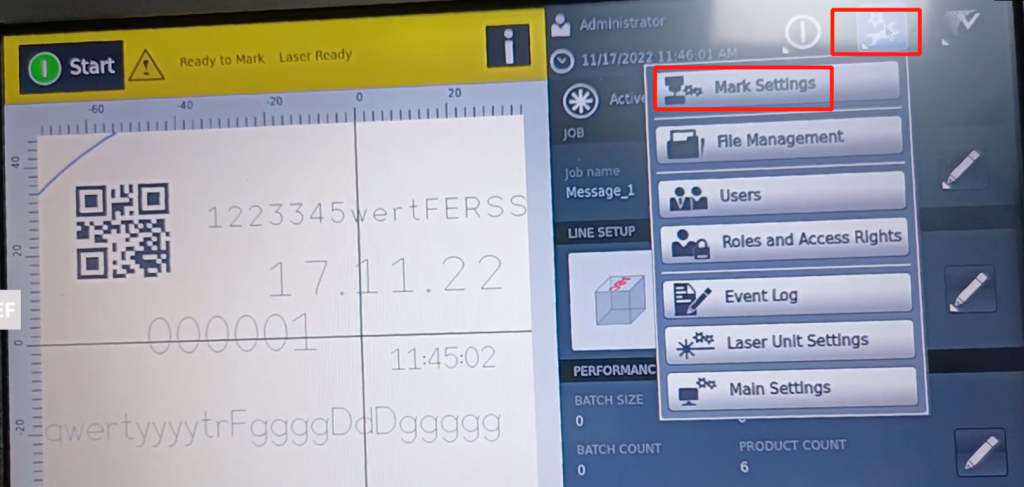
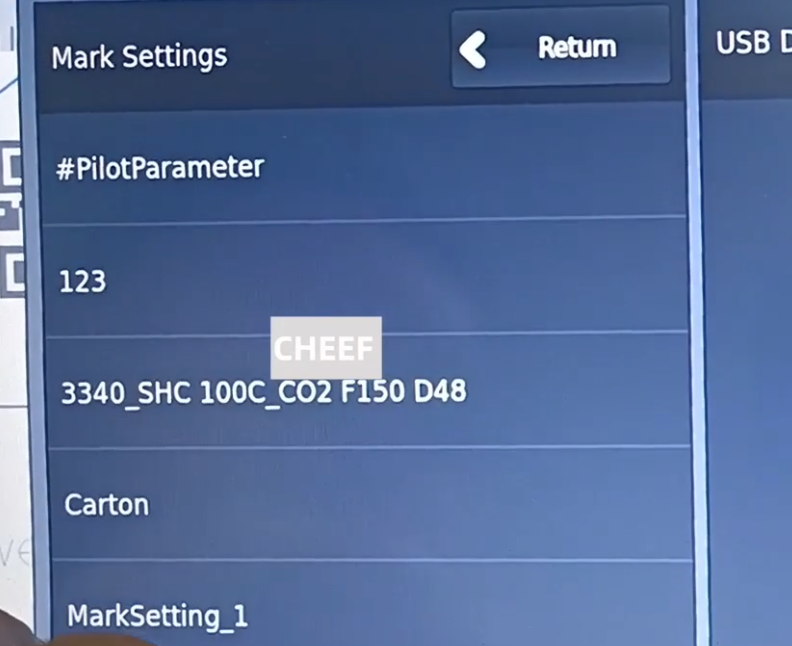
Click on “Mark Settings” in the Settings.
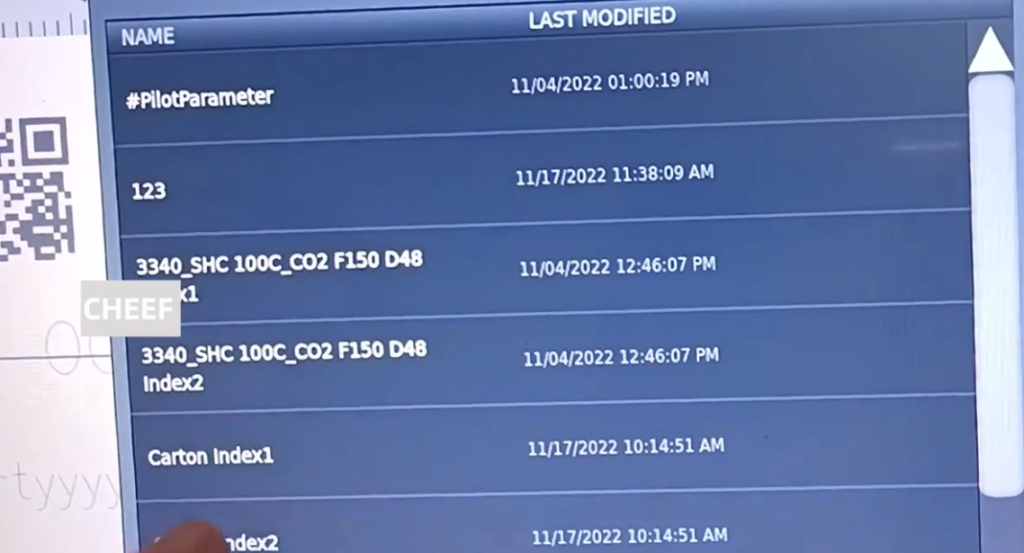
Everything that is created is in this. This is the good parameter that you created before.
Click on “Main Settings” in the Settings.
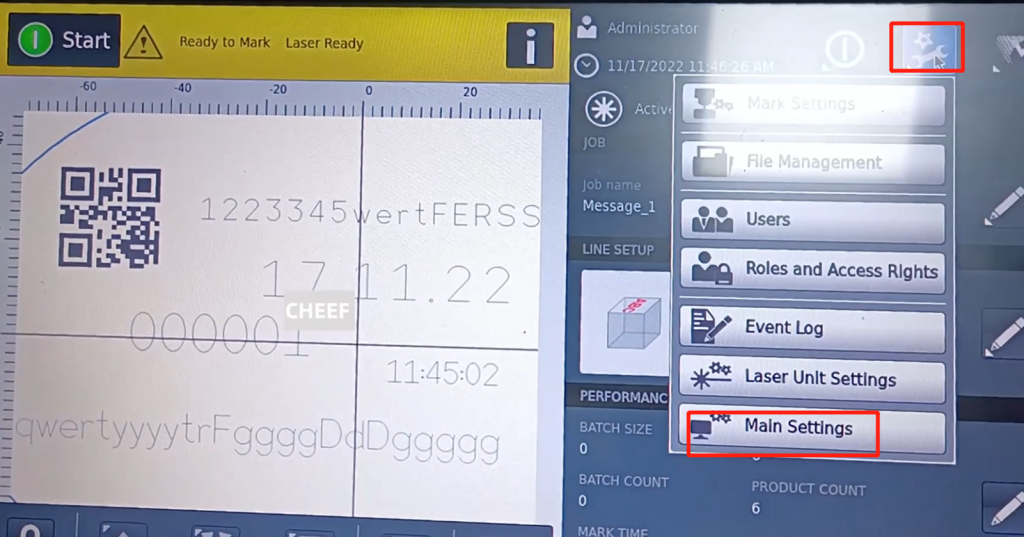
In the main setting, the language is commonly used. There are units, production line speed can be selected.
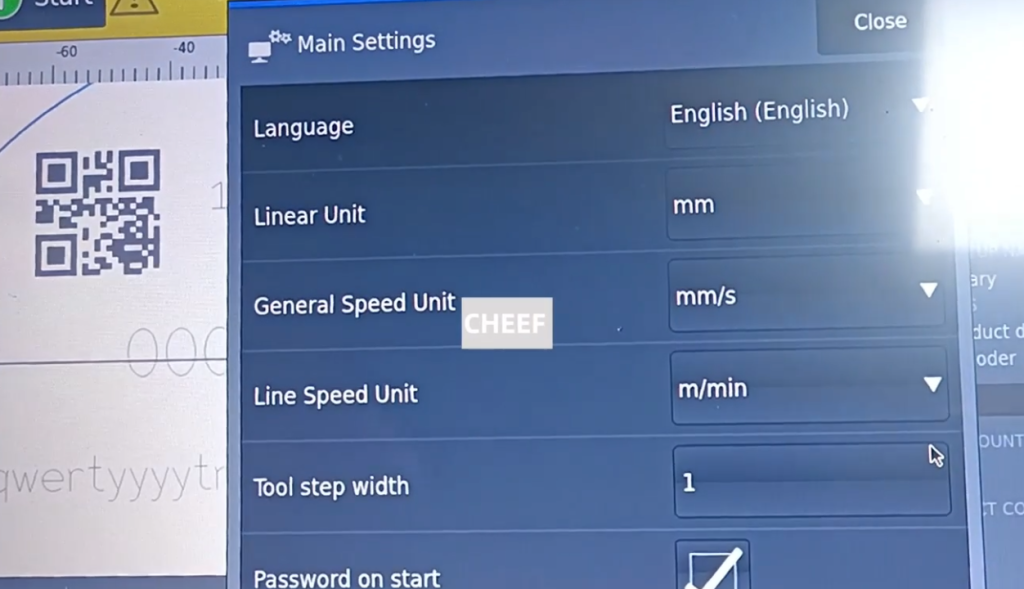
A password is required every time the machine boots.
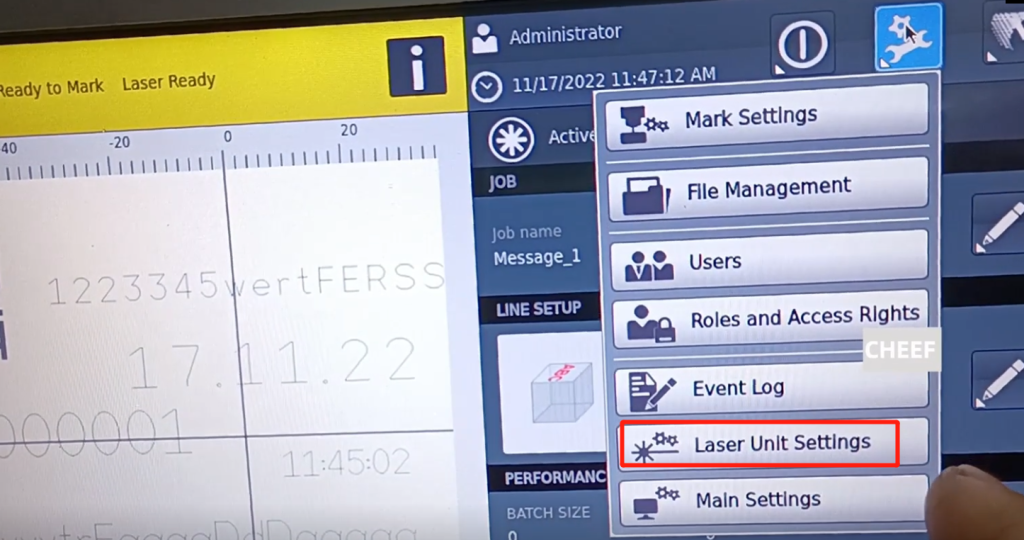
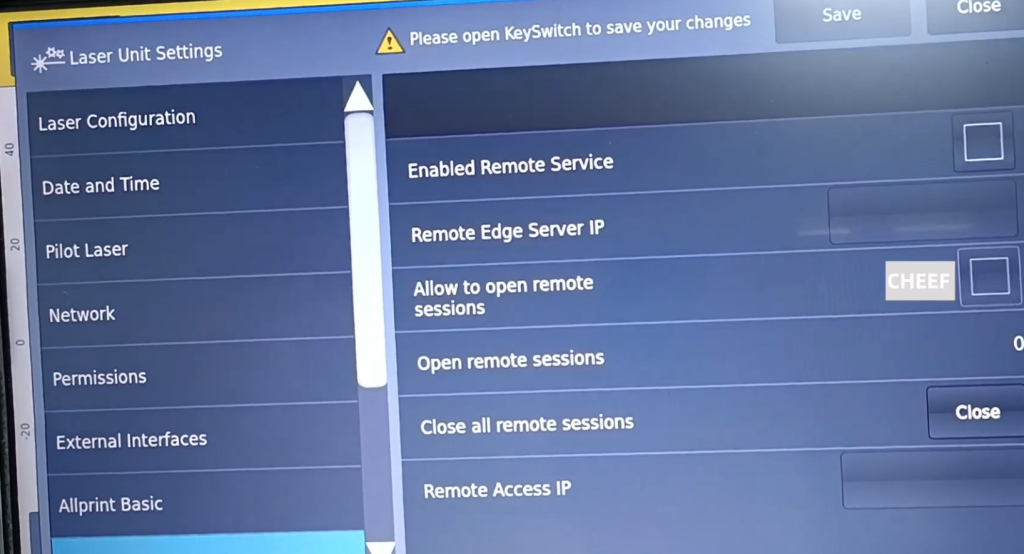
Click on the “Laser Unit Settings” in the Settings, which is the setting of the laser, in which you can see the date, time and other configurations that are not very commonly used.
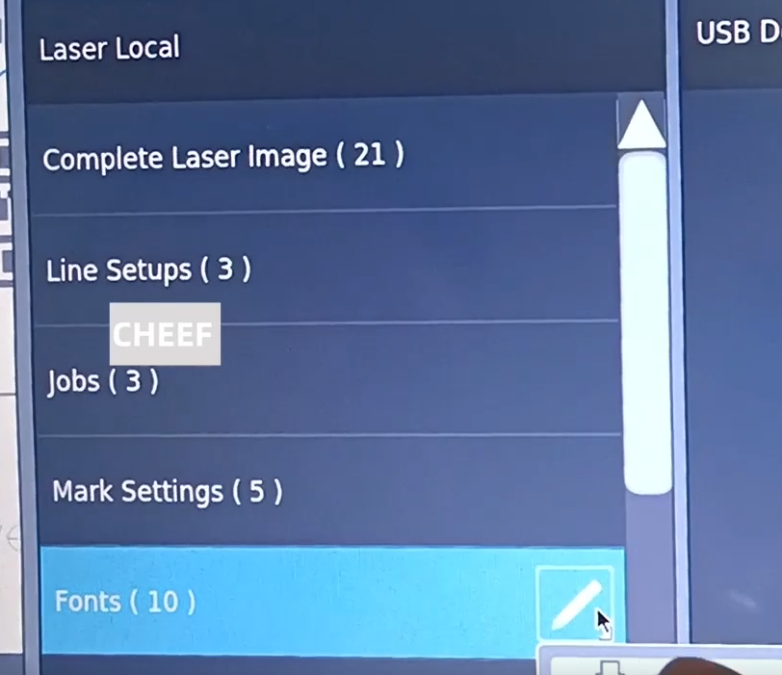
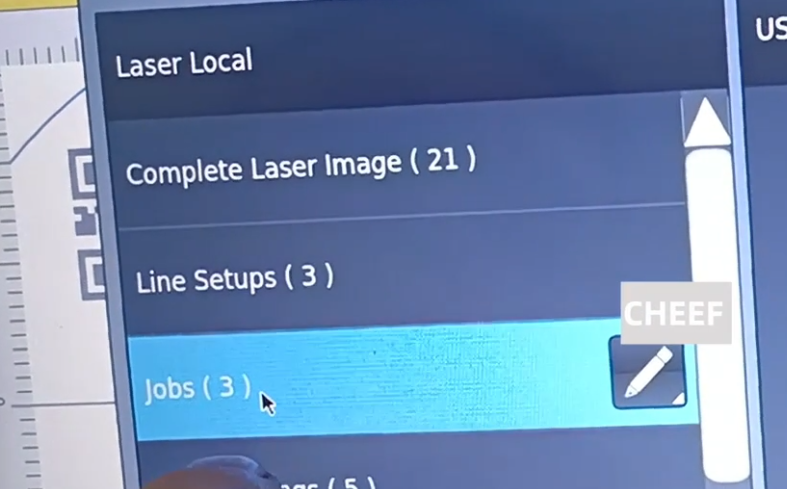
Click on “File Management” in the Settings.
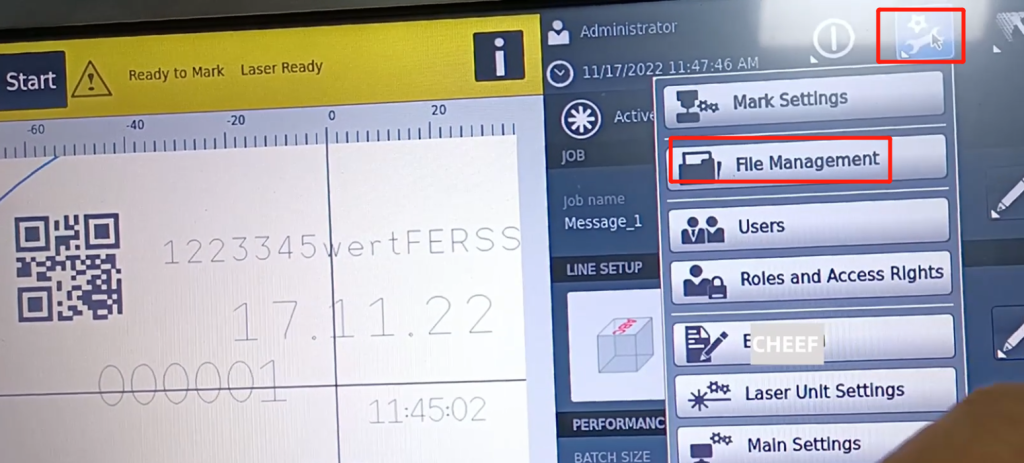
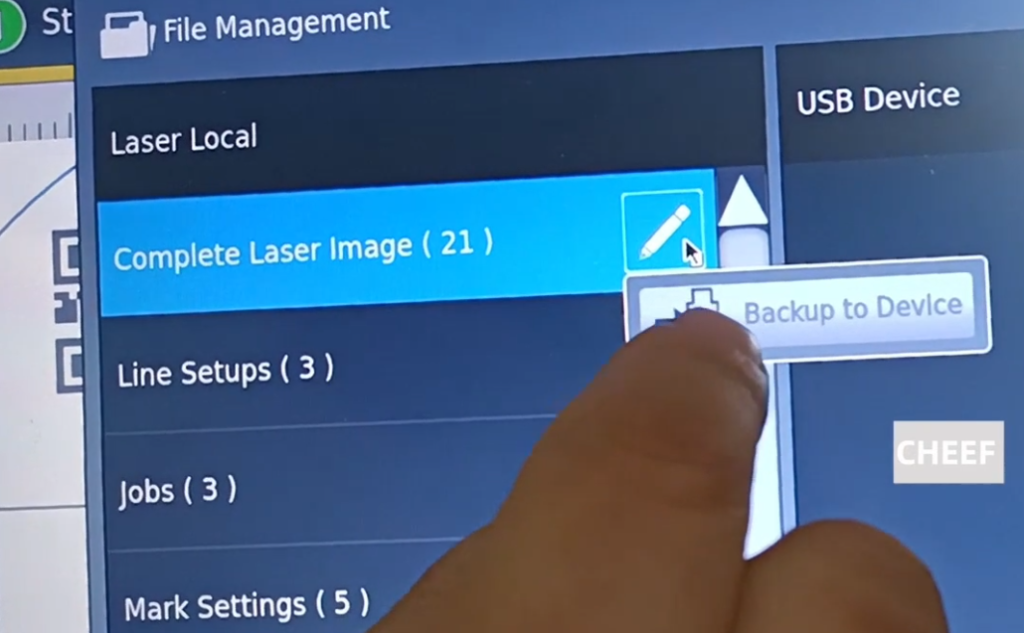
This is a folder, where you can count the number of files.
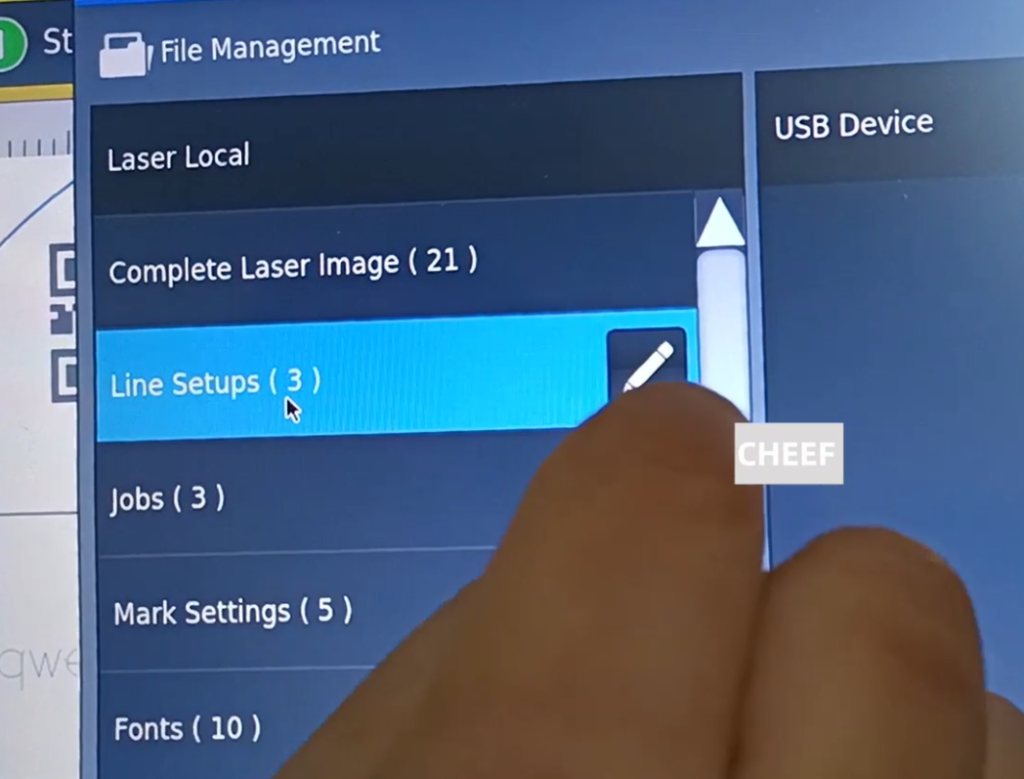
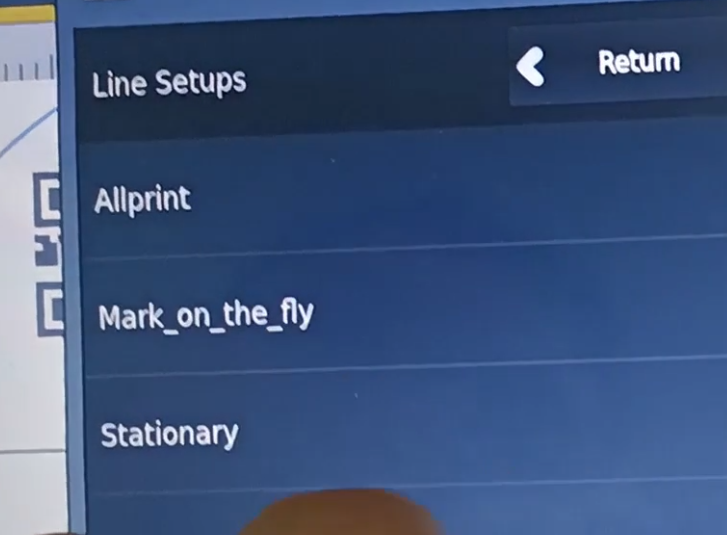
This is the production line speed, and you can see that these three were matched before.
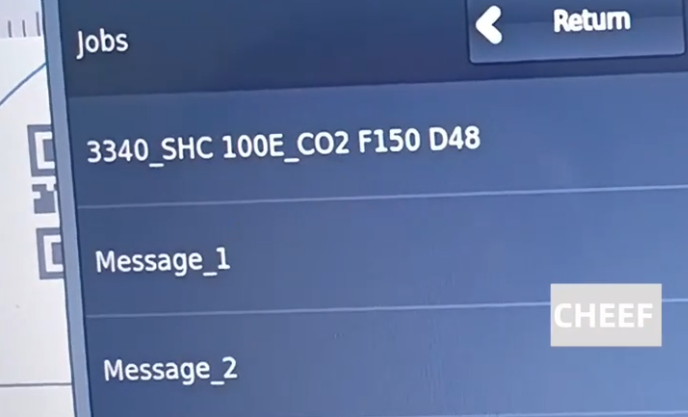
There are three messages in the message.
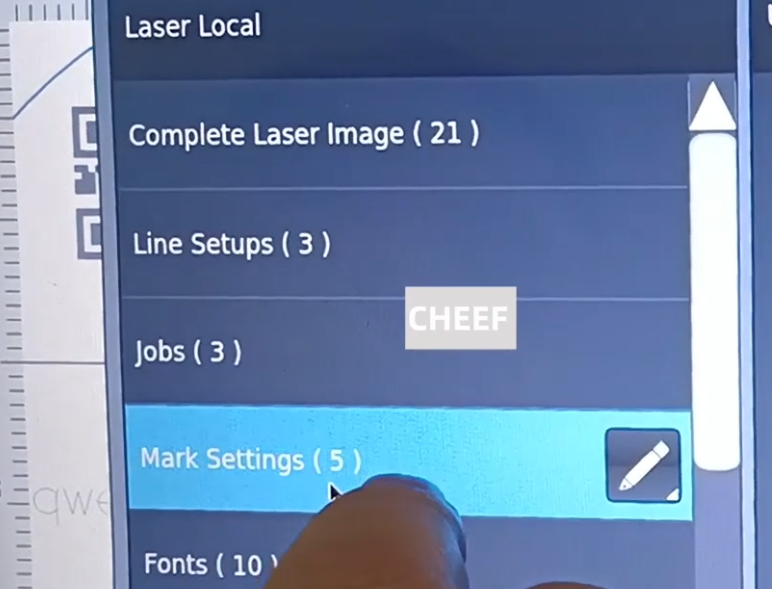
This is the logo setting, which shows only these five.
This is the logo setting, which shows only these five.
This is the font, the font that comes in the system.